Task: a. Install cronie package on all Nautilus app servers and start crond service.
b. Add a cron */5 * * * * echo hello > /tmp/cron_text for root user.
Here, there are 3 applications. We need to make changes in all of these.
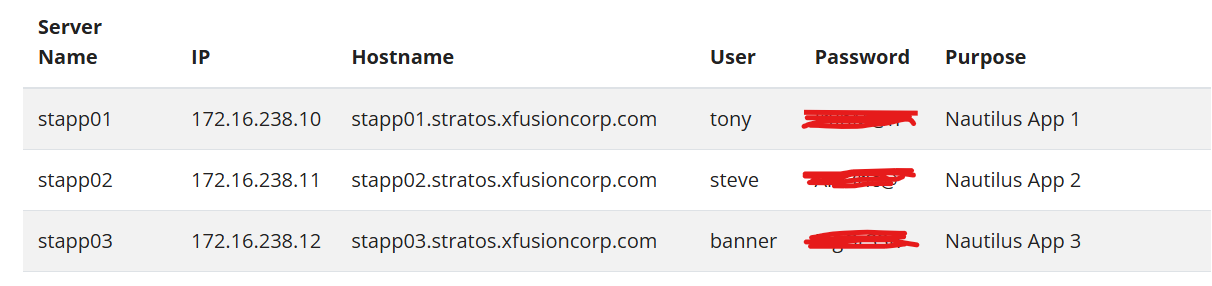
Steps:
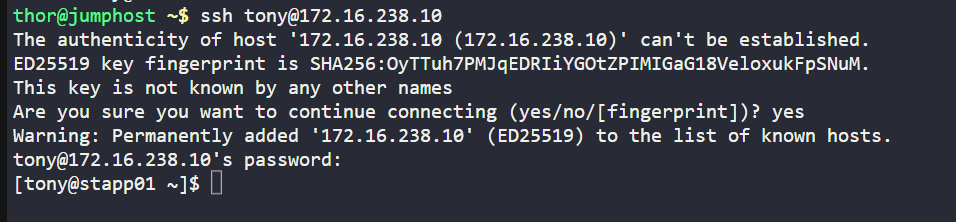
Connect to the target server (App Server)
ssh tony@stapp03
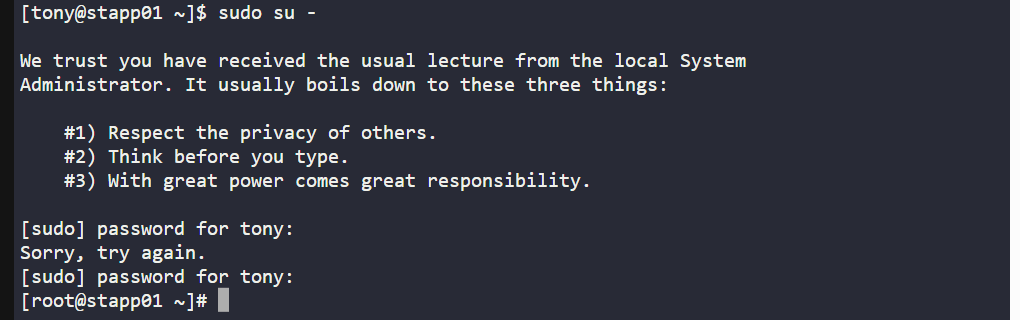
Switch to the root user for administrative privileges:
sudo su -orsudo -i
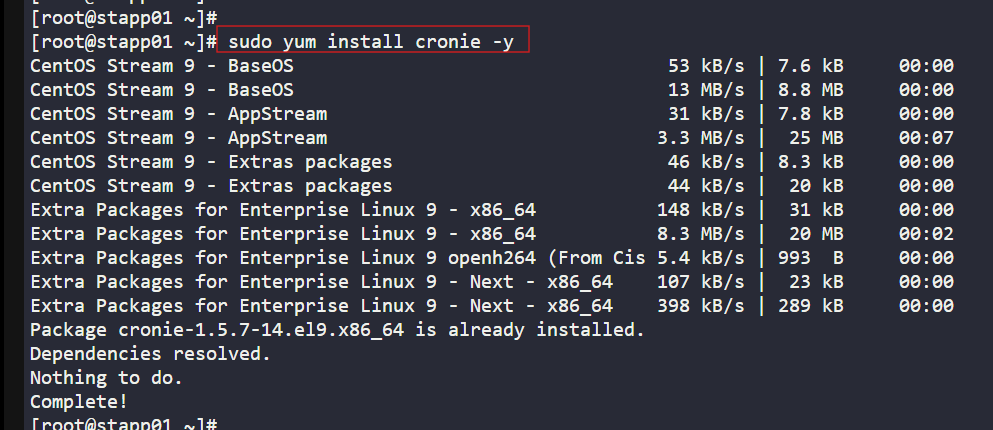
Install the cronie package (cron implementation)
yum install cronie -y
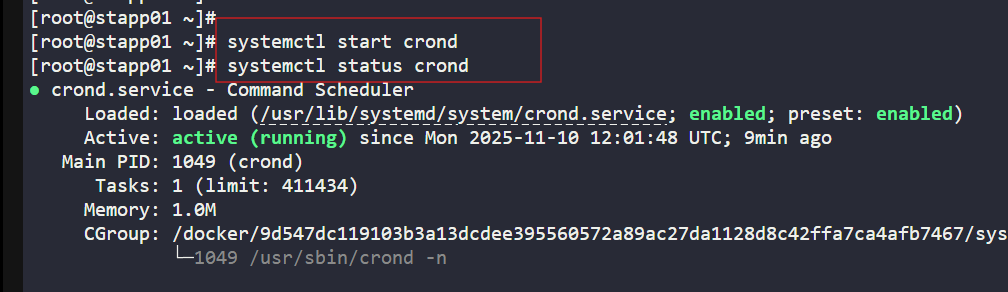
Start the Crond service and check the status
systemctl start crondsystemctl status crond
Open the root user's crontab for editing
sudo crontab -e

Add the following line to the file
/5 * echo hello > /tmp/cron_text
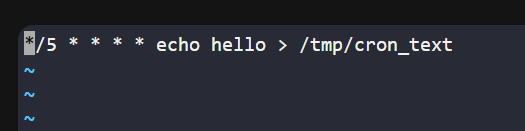
*/5: This specifies that the command should run every five minutes.
* * *: These asterisks represent the hour, day of the month, month, and day of the week, respectively, indicating that the job should run regardless of these values.
echo hello > /tmp/cron_text: This is the command to be executed, which writes "hello" into the file
/tmp/cron_text, overwriting its content each time.
Once Added, resrat the Crond service
systemctl restart crond
Verify the changes
After 5 minutes, I confirmed it worked by checking with:
cat /tmp/cron_text
